

The Optical Guidance Tracking System is a camera-based patient tracking system for radiation therapy. A host PC and cameras positioned around the treatment room track the patient against a stored reference, verify setup, and alert the clinical team when motion or collision risk crosses set tolerances, so the physician can decide whether to hold or continue.
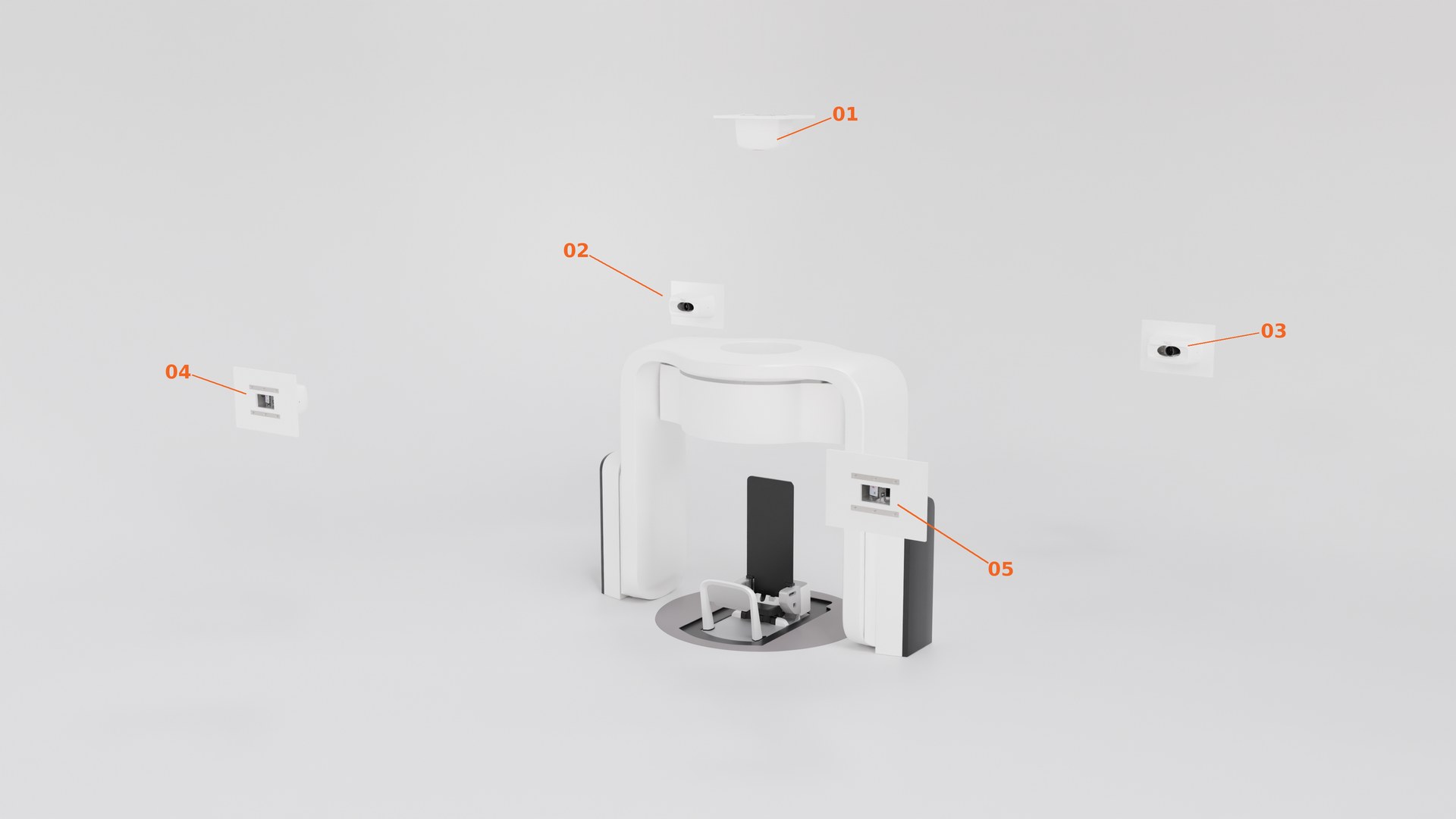
OGTS captures a reference at setup and then tracks the patient and any rigid fiducials throughout the session, comparing live position against that reference so the team can act on deviations as they happen.
Cameras around the room track the patient and rigid fiducials in real time and compare live position against a stored reference, so setup and intra-fraction position are continuously verified.
When tracked motion or collision risk exceeds set tolerances, OGTS raises an alert to the clinical team. The decision to pause or continue treatment stays with the physician.
Designed for daily operation by clinical staff, with the performance and availability a treatment room requires.
OGTS runs the same loop on every session: establish where the patient should be, then watch for any departure from it.
The same flow runs every session: log in, pull up the patient, then track and compare live against their stored reference scene. A separate Offline Review path replays saved scenes for review and training, away from a live treatment room.
OGTS fits into the way treatment rooms already run, from patient data to calibration and access control.
Beyond the session itself: patients, references, calibration, and access.
A fixed sequence: EVE Setup, Patient Setup, Fraction Delivery. Each stage is confirmed before the next unlocks.
Patients stored with two identifiers and a recorded time. Reference scenes are saved per patient and recalled by name, so day two starts from the same reference as day one.
R/G compare, overlay, or side-by-side, with a per-view slider that blends continuously between live and reference.
Every camera view reports X and Y deviation from the reference in millimeters. Offsets can be reset, or tracking re-referenced, without leaving the workflow.
Each camera position is managed independently, with pixel-scale calibration in mm/pixel, position offsets, and alignment tools. No special equipment required.
Managed user accounts with role-based permissions. Connection and system status stay on screen throughout, with event logging behind them.
Talk to our team about OGTS, timelines, and integration with your treatment room.
OGTS is a Class I medical device manufactured by Solomon Vision Systems Inc. and listed with the U.S. Food and Drug Administration. It is exempt from premarket notification under Section 510(k), subject to applicable exemption limitations. FDA establishment registration and device listing do not constitute FDA approval, clearance, certification, or endorsement.